How to Find What's Taking Up Space on a Windows PC and Safely Free It
Learn how to check storage usage in Windows 11, find large files and apps, remove unnecessary files safely, and free up disk space without accidentally deleting important...
Technology Writer
Maya Thompson writes practical technology content covering consumer technology, software, online services, digital tools, cybersecurity basics, and everyday technology decisions. She focuses on explaining technical topics in clear, accessible language so readers can understand how products, services, and digital tools work and what to consider before using or choosing them.
Learn how to check storage usage in Windows 11, find large files and apps, remove unnecessary files safely, and free up disk space without accidentally deleting important...
Learn how to identify an unfamiliar recurring subscription charge, find the account or billing service responsible, cancel through the correct provider, and confirm that...
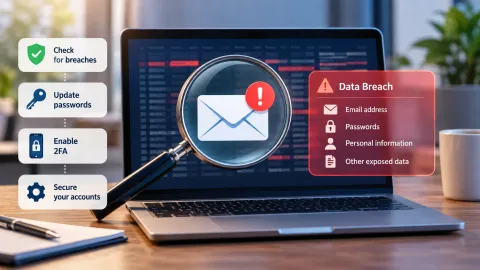
Learn how to check whether your email address appears in known data breaches, understand what exposed information means, and take practical steps to protect your password...
Compare free video editors for beginners based on watermark policies, export quality, supported operating systems, hardware requirements, and premium-feature restrictions...
Learn what a Copilot+ PC is, what hardware qualifies, how it differs from an AI PC or regular Windows PC, what Copilot+ features can do, and whether you actually need one...
Learn what Windows 11 26H2 changes, who can receive the 2026 update, why it may not appear yet, the current known issues, and whether you should update now or check first...
Learn how to move personal files from an old Windows PC to a new PC using Windows Backup, OneDrive, or an external drive, including what transfers, what does not, and how...
Learn how to safely free up storage on a Windows 11 PC by finding what is using space, reviewing built-in cleanup tools, managing apps and files, using OneDrive appropria...
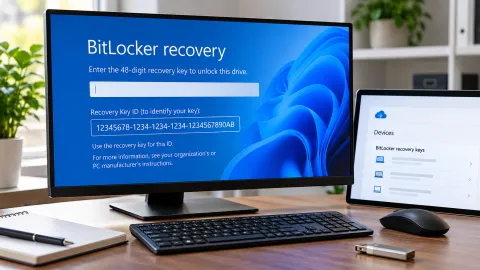
Learn how to find the 48-digit BitLocker recovery key Windows 11 may request after a security, hardware, firmware, or software change, including where to look and how to...
Learn how to find your CPU, RAM, GPU, storage, Windows version, and other PC specifications using Windows 11’s built-in tools, including Settings, Task Manager, System In...
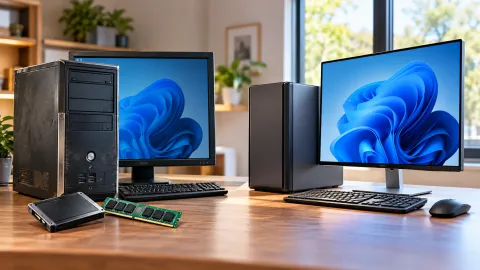
Learn how to decide whether to repair, upgrade, or replace an aging Windows PC by identifying the real performance problem, checking upgradeability and Windows 11 compati...
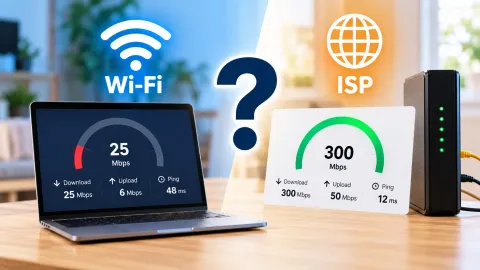
Learn how to determine whether slow internet is caused by your device, Wi-Fi, home network, or internet provider using simple comparison tests before spending money on a...
To install: tap the Share button, then “Add to Home Screen”.
About us Editorial Policy Contact Privacy Policy Terms of Use Disclaimer