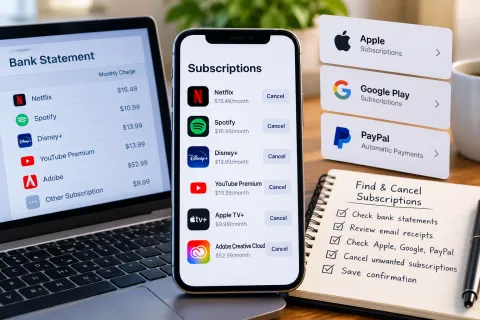
How to Cancel a Subscription When You Don't Know Where You Signed Up
Learn how to identify an unfamiliar recurring subscription charge, find the account or billing service responsible, cancel through the correct provider, and confirm that cancellation. Includes steps for Apple, Google Play, PayPal, and direct service-provider billing, plus guidance for handling continued or unauthorized charges.
In this article
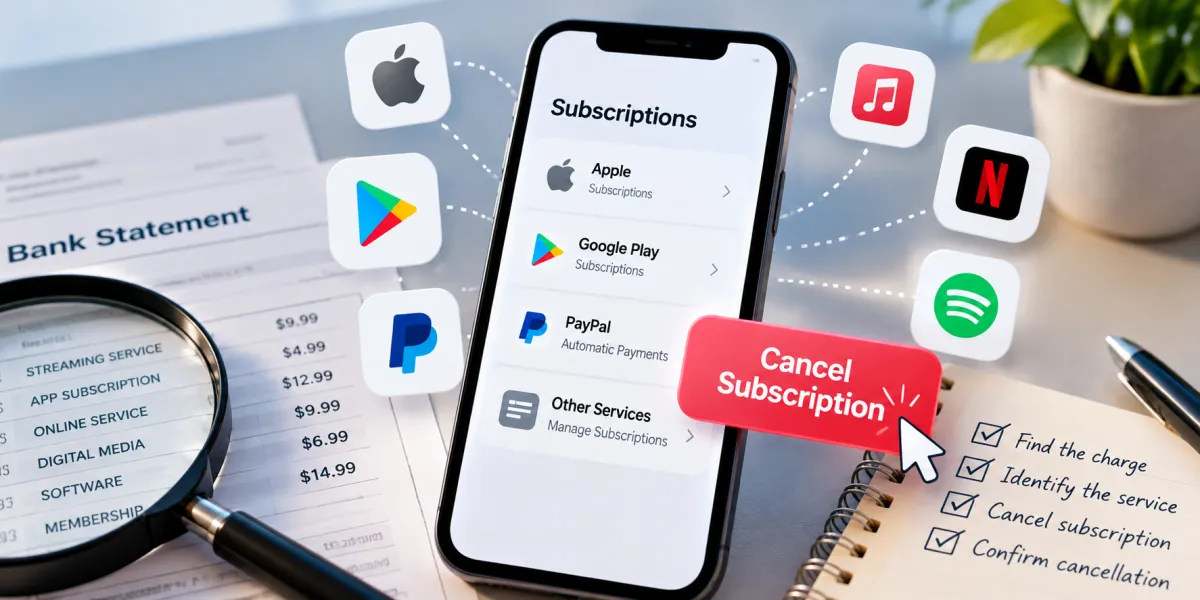
An unfamiliar recurring charge on your bank or credit card statement can be difficult to trace. The company name may be abbreviated, the subscription might be connected to an old email address, or the payment may be handled by Apple, Google Play, PayPal, or another billing provider rather than the service itself.
The most reliable way to cancel a subscription you can't find is to identify the charge first, determine who processes the payment, and cancel through the correct account or provider. Then save the cancellation confirmation and check your next statement.
Start with the transaction details on your bank or card statement. Search your email for receipts and subscription confirmations, then check the accounts you use for digital services. If you still cannot identify the charge, contact the company or financial institution that can help trace it.
Start by Identifying the Charge
Before canceling anything, gather enough information to determine which company is charging you. Acting on a guess can lead you to cancel the wrong service while the unfamiliar payment continues.
Examine the transaction on your statement
Open your bank, debit card, or credit card statement and locate the recurring charge. Record the following details:
-
Transaction description: The merchant name or billing descriptor shown by your financial institution.
-
Amount: The amount charged, including whether it varies from one payment to another.
-
Transaction date: When the payment was processed.
-
Frequency: Whether the charge appears monthly, annually, or at another interval.
-
Payment method: The bank account, debit card, credit card, or payment service involved.
Compare previous statements if available. A recurring charge that appears at roughly similar intervals may help you identify a subscription, although the timing alone does not prove that the payment is legitimate or that it belongs to a particular service.
Investigate unfamiliar billing descriptions
A transaction descriptor does not always match the name of the app or website you remember using. A payment may appear under a parent company, payment processor, shortened merchant name, or billing entity.
For example, a hypothetical $9.99 charge labeled with an unfamiliar digital-services company might be associated with a streaming service you signed up for months earlier. The amount and timing can provide clues, but they are not enough to establish the source by themselves.
Try these steps:
-
Search the full transaction description online if it does not contain personal or account information.
-
Search your email for the exact merchant wording, the charge amount, or the transaction date.
-
Review older statements for the same descriptor.
-
Look for receipts from digital services that use a similar billing cycle.
-
Contact your bank or card issuer if the transaction remains unidentified.
Never publish your complete statement or share your full card number, banking credentials, or security codes while trying to identify a payment.
Search your email for receipts and confirmations
Email searches can reveal a subscription even when you no longer remember the website where you signed up.
Search your inbox, archived messages, and spam folder for terms such as:
Frequently asked questions
1. Can I get a refund for a subscription I forgot to cancel?
Possibly. Refund eligibility depends on the service provider's refund policy, the circumstances, and any applicable consumer protections. Contact the provider or billing platform that processed the payment, explain what happened, and request a refund. A cancellation does not automatically guarantee that previous payments will be refunded.
2. Does canceling a subscription automatically delete my account?
No, not necessarily. Canceling a subscription generally addresses recurring billing, while deleting an account is a separate action that may permanently remove your data or access. Check the provider's account settings and terms before deleting anything.
3. Will replacing my debit or credit card stop subscription charges?
Do not rely on replacing your card as a cancellation method. Some recurring payments may continue through updated card details or other payment arrangements. Cancel the subscription with the responsible provider and contact your card issuer if charges continue or appear unauthorized.
4. Can I cancel a subscription if I no longer have access to the original email address or account?
You may still be able to resolve it. Identify the billing provider from your statement or payment receipts, then contact the service's support team. Provide relevant transaction details and any account information you can verify. Do not share your password or full payment-card details in an unsecured message.
5. Will I lose access immediately after canceling a subscription?
Not always. Some services allow access until the end of the current paid billing period, while others may apply different terms. Check the cancellation confirmation and the provider's policy to determine when your access ends.

Maya Thompson writes practical technology content covering consumer technology, software, online services, digital tools, cybersecurity basics, and everyday technology decisions. She focuses on explaining technical topic...